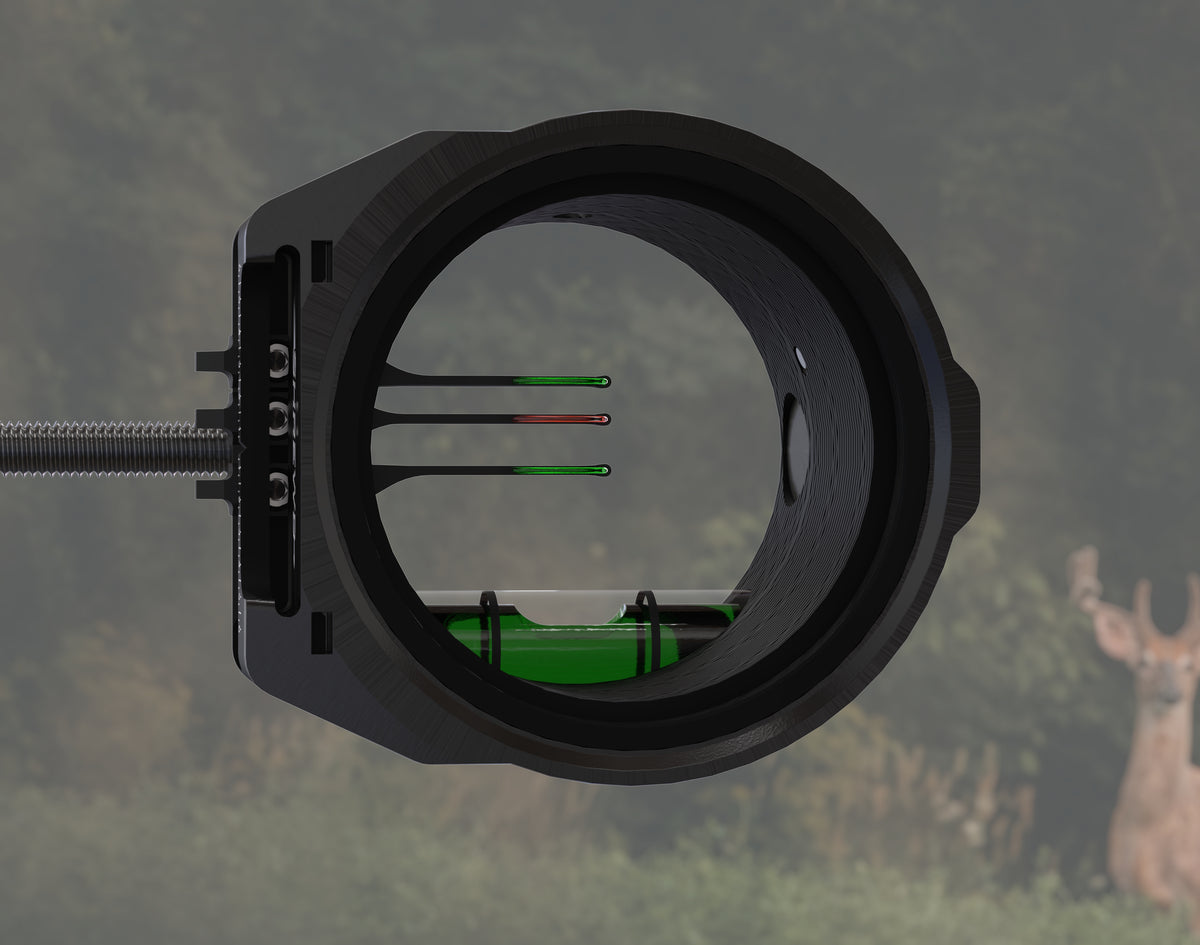

MULTI Instructions
Easy To Set. Simple To Use.
Set Your Pins In Seconds
The pins are designed to be accessed and adjusted from the target face of the scope. This intentional design feature ensures you can dial in your setup in seconds with no hassles on any sight.
Insert a 1/16" hex key into the vertical slot on the target side of the MULTI and loosen the set screw in the pin you wish to adjust.
Move the pin to the desired location using the extended tip on the side of the MULTI housing.
Tighten the screw down to lock the pin in place.
After tightening your pin in place, check the other pins to ensure they are tight. If there is movement tighten them as well.